Give every agent a clear job.
Set its role, instructions, approved knowledge and permitted tools. Create specialists for different business needs.
DILEXUS ORBIT — AGENT OS
Give agents a clear purpose, approved information and the right access. Bring people, processes and systems together—with your business in control.
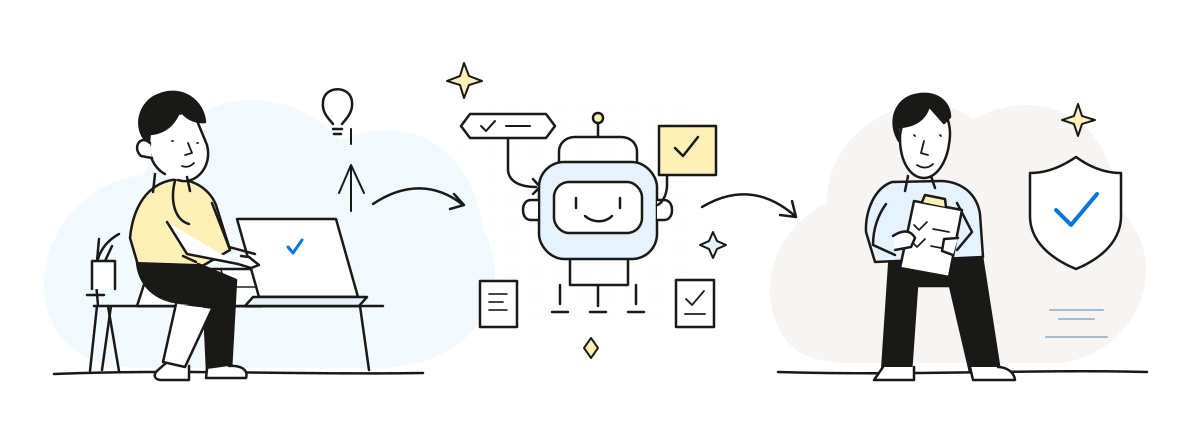
THE BUSINESS PICTURE
Your teams and customers use approved services. Company permissions and review rules carry through to the knowledge, tools and systems behind them.
Permissions · Human approvals · Activity records
AGENTS, TEAMS AND PROJECTS
Start with one role, then connect specialists and project knowledge through explicit permissions.
Set its role, instructions, approved knowledge and permitted tools. Create specialists for different business needs.
Create teams, shared rooms and approved delegation links. Keep projects organized with their own instructions, files and conversation threads.
Use internal employee conversations and customer-facing profiles with their own knowledge and histories. Access follows the person’s permissions.
Employee conversations and team/project rooms use the native internal workspace. Customer channels and external Apps use customer profiles.
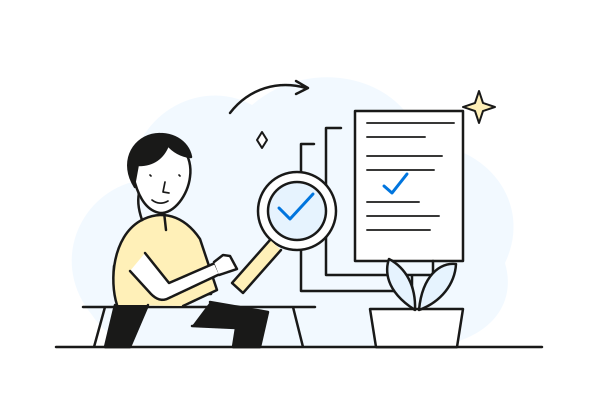
KNOWLEDGE AND DOCUMENTS
Give agents approved sources to consult, and give people a clear way to keep those sources accurate.
Knowledge publication uses supported text sources. Document conversion and storage integrations are qualified for your deployment.
WORKFLOWS AND AUTOMATION
Connect agents, knowledge and approved extension actions. Add decisions, routes, parallel work and repetition with clear limits.
Schedule published workflows once or repeatedly, or accept authorized events from another system. Use local dates and time zones.
Pause for policy checks, customer verification or exact human approval. Inspect progress, outcomes and actions that need follow-up.
AN ILLUSTRATIVE ENQUIRY PROCESS
A customer or authorized system starts the process.
An agent uses approved knowledge.
Company policies guide the next step.
An authorized person approves the proposed record action.
A supported extension records the approved outcome.
For internal operations, assign employees to start a published workflow and another person to approve the exact values and destination. The first employee rollout supports one reviewed write per run, including the bundled expense action or a configured compatible HTTPS JSON action.
ADMIN / YOUR MANAGEMENT ASSISTANT
Authorized company super admins can ask Admin to prepare agents, organize knowledge, manage teams, and create or edit supported workflows and policies. Admin asks for missing details and uses the same company controls as the interface.
Sensitive changes keep their human review. Admin cannot approve its own proposals or start workflows on your behalf.
“Prepare an employee assistant using our approved procedures. Define its role and who may use it.”
EXTENSIONS AND APPS
Extensions expand what Dilexus Orbit can do. Apps make selected Dilexus Orbit services available to another application or system.
EXTENSIONS / ADD CAPABILITIES
An installed extension can provide tools, channels, model services or business records. The connector inventory shows how those extensions connect to systems.
Example: Business Records adds contacts, enquiries, appointments and a reviewed expense action.
APPS / PUBLISH SELECTED SERVICES
A Dilexus Orbit App is a controlled connection for a website, mobile app, business system or AI assistant.
Example: a customer portal offers agent chat, browser calls and access to permitted enquiry records.
Available capabilities depend on installed extensions, configured providers and approved services. The Python SDK lets developers build and test adapters for separately qualified integrations.
Read what changed in 3.3.0OTHER SYSTEMS AND AI AGENTS
Choose an interface that fits the service you want to offer, while retaining company access controls.
APIs / AVAILABLE INTERFACES
Use REST APIs for permitted agents and data, streamed chat and events for live updates, browser voice for authorized calls, and webhooks for backend notifications.
MCP / AVAILABLE INTERFACES
Model Context Protocol lets another assistant use selected Dilexus Orbit App services. Staff agents can also use registered, approved read-only MCP tools under their own access rules.
A2A / RESERVED EXTENSION POINT
The Agent2Agent extension point is reserved. Its protocol adapter is not yet implemented. A working A2A connection requires separately scoped development and validation.
CUSTOMERS, RECORDS AND FOLLOW-UP
Help authorized staff understand what happened and decide what should happen next.
Use supported extensions for contacts, enquiries and appointments. Control access to records and individual fields.
Authorized employees can consult an agent’s retained customer chats and approved customer facts, with sources and expiry dates.
Create follow-up tasks and review human takeover of supported web or App text conversations. Keep ownership and the conversation history clear.
Customer history and memory access require separate permissions. Human takeover currently covers supported text conversations; voice transfer is outside the released capability.
IDENTITY AND AI GOVERNANCE
Define what agents may know and do, who can use their services, and when a person must review a change.
Use account login and two-factor authentication, with registered-email customer verification when configured. Publish company guidance separately from the access rules that govern actions.
Explore AI governance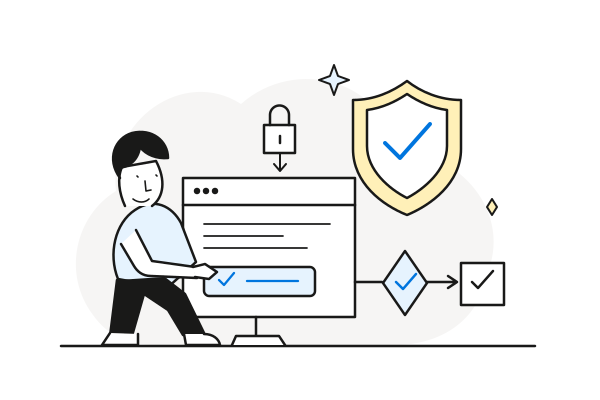
Create or invite users, organize shared groups and grant the App, agent and data permissions each group needs. Configure public signup per App.
Publish approved business guidance and access policies. Require the right identity proof, permitted fields or human review before supported actions.
Keep customer, employee, team and project information in their own access scopes. Store provider keys in protected settings rather than conversations.
MODELS, QUALITY AND OPERATIONS
Choose the models, measure useful results and maintain visibility as your solution develops.
Supported model connections include Google Gemini, OpenAI, Anthropic Claude and private/local options. Usage estimates guide planning; provider invoices, voice and infrastructure costs remain separate.
FROM PLATFORM TO YOUR SOLUTION
Agree the role, information, people and systems involved. Configure the available capabilities, build the required connections, and qualify the solution for your environment.
Enterprise solution development is custom quoted. Deployment setup includes security hardening; the annual licence includes the agreed ongoing benefits, with optional additional L2 support.
Enterprise SSO, high availability, new adapters and specialist document conversion require their own scope and qualification.
See pricing and licence benefitsDIGITAL INTELLIGENCE, EVOLVED.
Bring us one process worth improving. We’ll help define a practical next step.
Discuss your enterprise solution